Hyundai Excel Touch Up Paint

Hyundai Excel Touch Up Paint (18 OEM Colors)

Search for your Excel's color

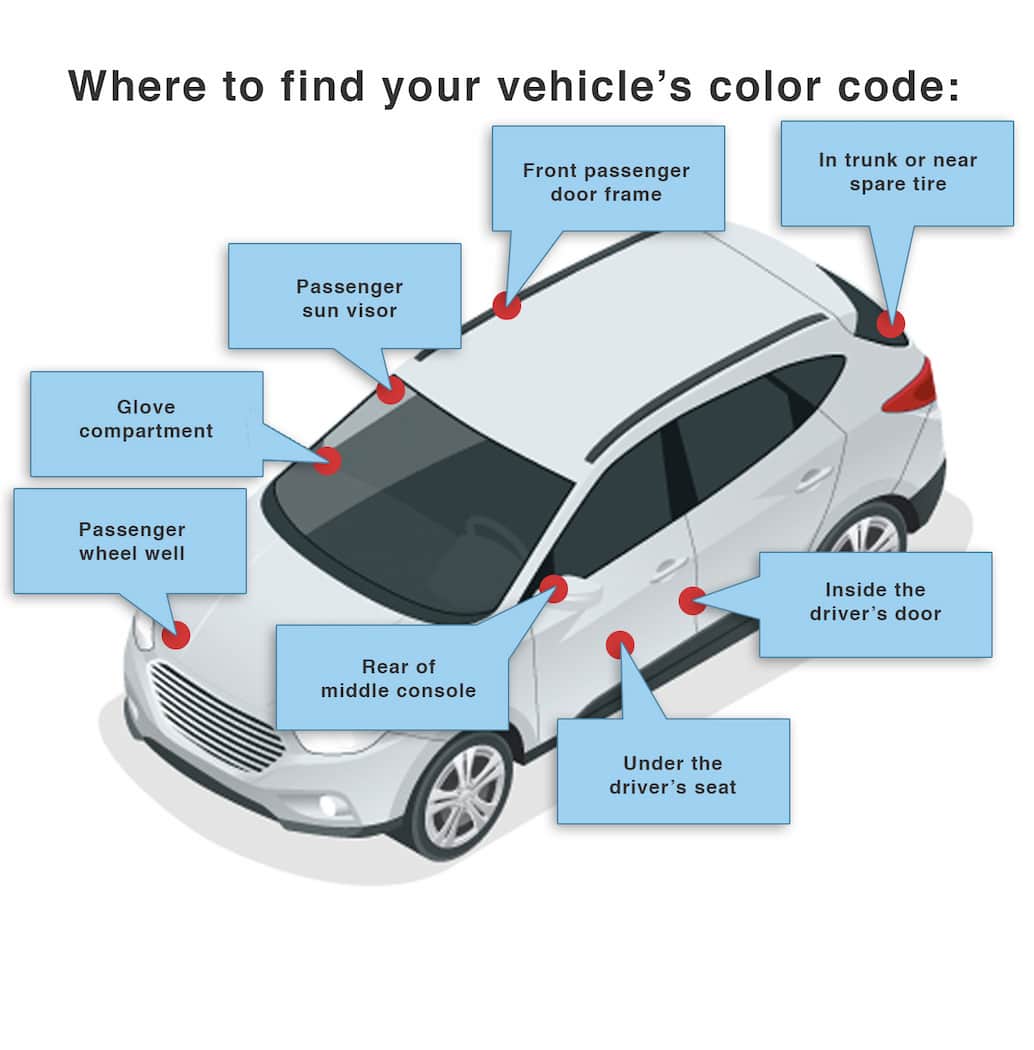
How to Find Your Hyundai Excel's Color Code

Hyundai paint codes are normally on the drivers door jamb; some models hide the color code in the engine compartment. Typical format: 3E which corresponds to: Blue Onyx Metallic Clearcoat. Some later Hyundais use a three character code. A paint can be S3; this is actually the same as S3B. Same color code, different name: the same paint may be used across models, e.g., 3E as Blue Onyx Metallic Clearcoat, Blue Clearcoat, or Ocean Blue Clearcoat.

More about Hyundai color codes

Hyundai Excel Paint Info

The Color Breakdown

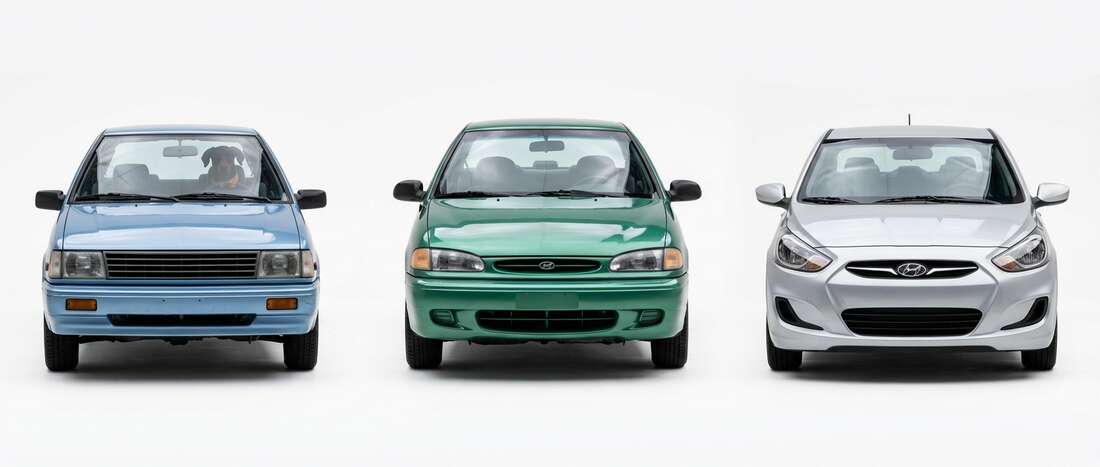
The Hyundai Excel was the ultimate commuter hero, and Hyundai didn't hold back on the palette, offering 18 different ways to dress up this reliable classic. They really went for it with names like Dark Cherry Red Pearl and Smokey Taupe Metallic-colors that sound more like high-end boutique lipsticks than paint for a budget-friendly hatchback. Whether you're rocking the stealthy Ebony Black or the surprisingly fancy Platinum Metallic, you've got a car that was built to be noticed, even if it was just in the grocery store parking lot.

What to Watch For

If your Excel has been surviving the sun for a few decades, you've probably noticed the paint is getting a bit tired. The clear coat on these models tends to get thin or start flaking off in "sheets," especially on the hood and roof. Don't panic-this is just the car showing its age. Before you start your repair, you need to find your secret ID. While most modern cars hide their paint code in the door, the Excel likes to keep things old-school: pop the hood and look at the center of the firewall (the metal wall between the engine and the cabin). You're looking for a small metal plate with a two or three-digit code.

Driveway Repair Tip

Since so many Excel colors are metallics or pearls-like that Silver Mist Metallic-your biggest challenge is the "shimmer." Before you touch the car, shake your touch-up bottle for a full 60 seconds. You need to wake up those tiny metallic flakes that have been sleeping at the bottom of the bottle. When you apply the paint, think of it like nail polish: use thin, light dabs rather than one giant glob. If you're dealing with a spot where the paint has peeled away, focus on sealing the edges of the "crater" first to stop the peeling from spreading. It requires a little patience, but it'll keep your Excel looking sharp for another decade of commutes.

Hyundai Excel Colors by Year

Let us know the year your Excel was manufactured. We'll eliminate colors that won't match your vehicle.

Are we missing something?

We're always expanding our catalog! If you can't find your vehicle, please let us know and we'll do our best to find the color you need.