


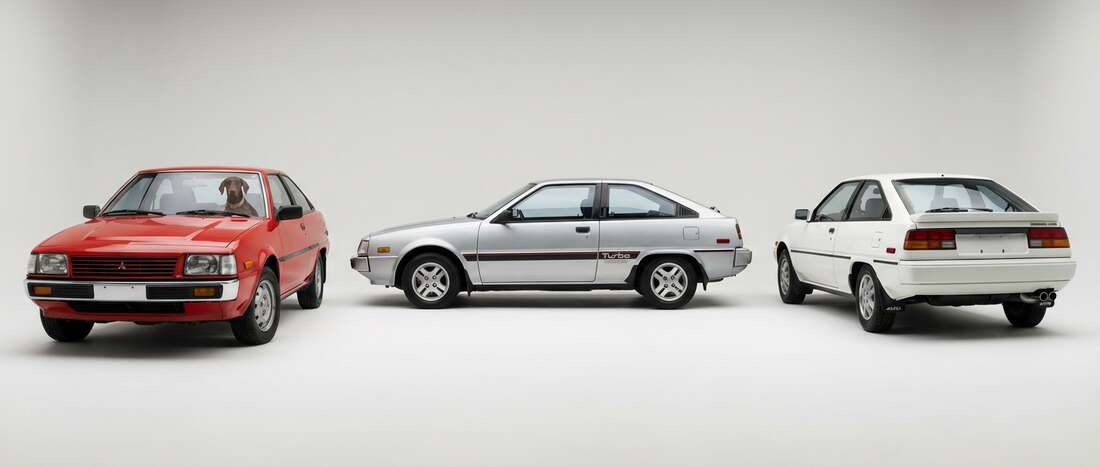
Mitsubishi Cordia Touch Up Paint (20 OEM Colors)
Search for your Cordia's color
-
Bright/Eiger Silver Metallic
MitsubishiBright/Eiger Silver Metallic (H43)
-

California Red
MitsubishiCalifornia Red (R52)
-

Geneva Green Metallic
MitsubishiGeneva Green Metallic (G83)
-
Grace Silver Metallic
MitsubishiGrace Silver Metallic (H84/PA4)
-

Kaiser Silver Metallic
MitsubishiKaiser Silver Metallic (H39)
-
Nevada Sand Metallic
MitsubishiNevada Sand Metallic (H23)
-

Rio/Mexican Red
MitsubishiRio/Mexican Red (R04)
-
Rio/Mexican Red
MitsubishiRio/Mexican Red (R04/PR2)
-
Rocky White
MitsubishiRocky White (W18)
-

Serbia Black
MitsubishiSerbia Black (X15)
-
Serbia Black
MitsubishiSerbia Black (X15/PX1)
-
Sophia White
MitsubishiSophia White (W09)
-
Summit White
MitsubishiSummit White (W09/PW4)
-
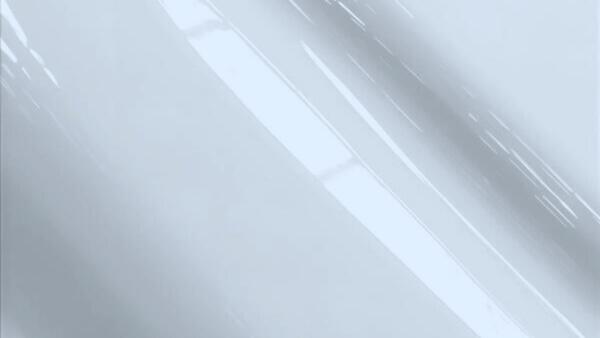
Atlantic Blue Metallic
MitsubishiAtlantic Blue Metallic (B71)
-

Canadian Green Metallic
MitsubishiCanadian Green Metallic (L53)
-
Chateau Beige Metallic
MitsubishiChateau Beige Metallic (S28)
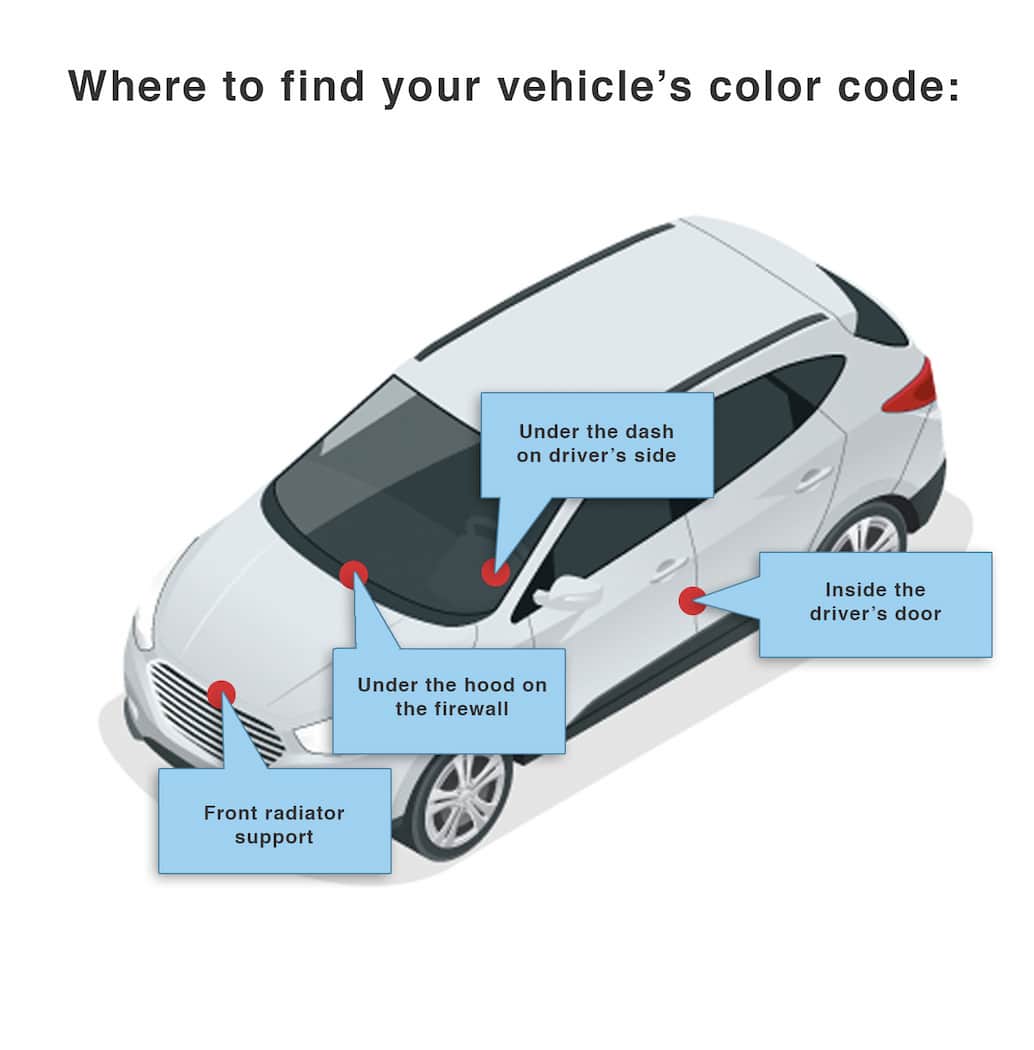
How to Find Your Mitsubishi Cordia's Color Code
Mitsubishi paint codes are on a tag in the firewall area of the car, not on an exterior panel. The color code sits at the bottom mid-left part of that tag. Codes include letters, dashes, and numbers. The code R71 corresponds to Passion Red Clearcoat. R71 may be called Passion Red Clearcoat on some models. R71 may be called Red Clearcoat or Speed Red Clearcoat on others. Model marketing names can vary even for the same code.